Demo and samples
The web demo
src/JetPack.Web.Demo is the WPF demo (src/JetPack.Wpf.Demo) as a web page: the same tabs, the same controls in the same places, the same data (it links the WPF demo’s DemoData.cs), and the Settings, Recent, Update and Saved flyouts of the window. Each tab is a partial view named after the WPF UserControl (Views/Demo/Pages/CorePage.cshtml ↔ Views/CorePage.xaml), and wwwroot/js/demo.js is the code-behind. The JetPackGrid tab is left out; grids of that kind are better served by a dedicated grid library.
dotnet run --project src/JetPack.Web.Demo
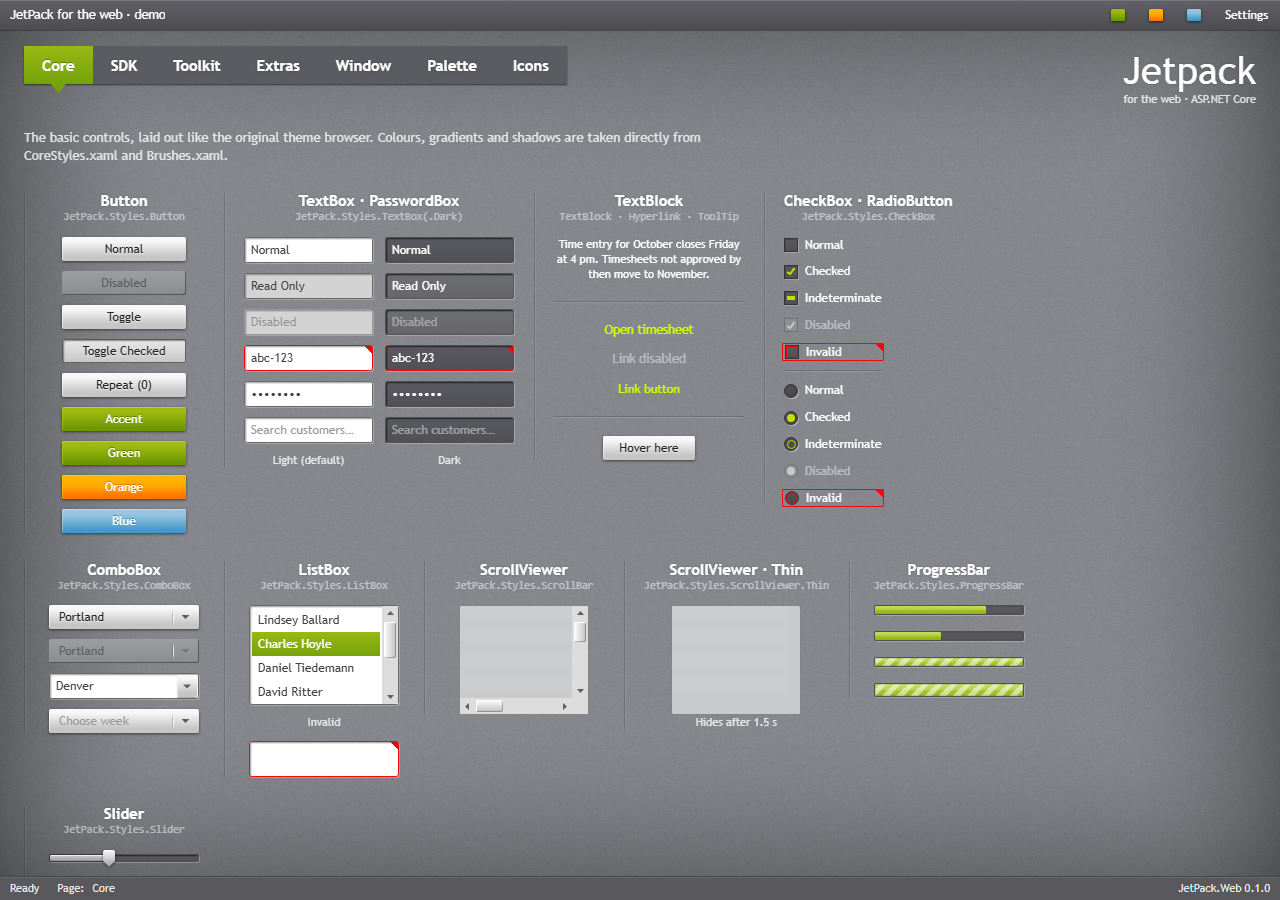
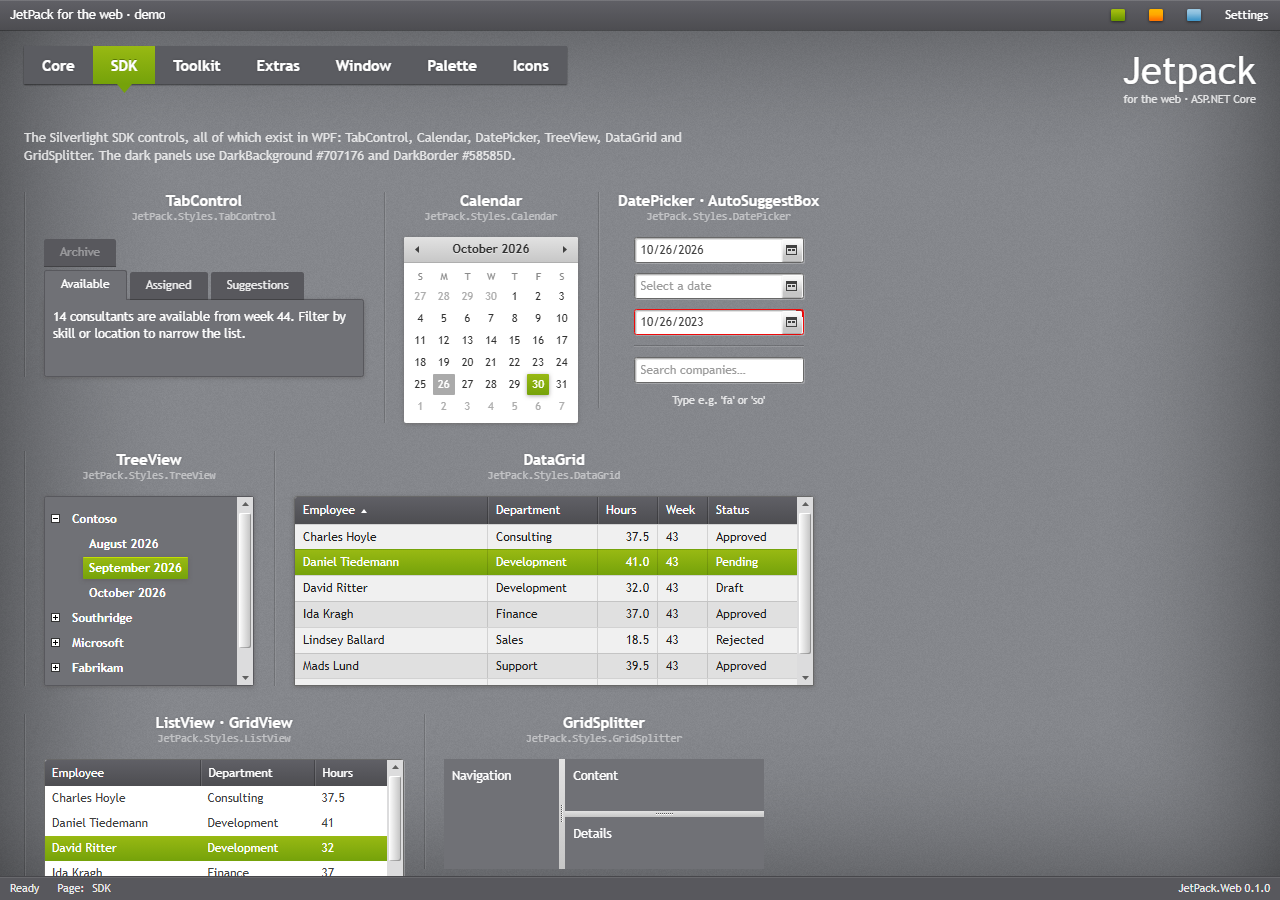
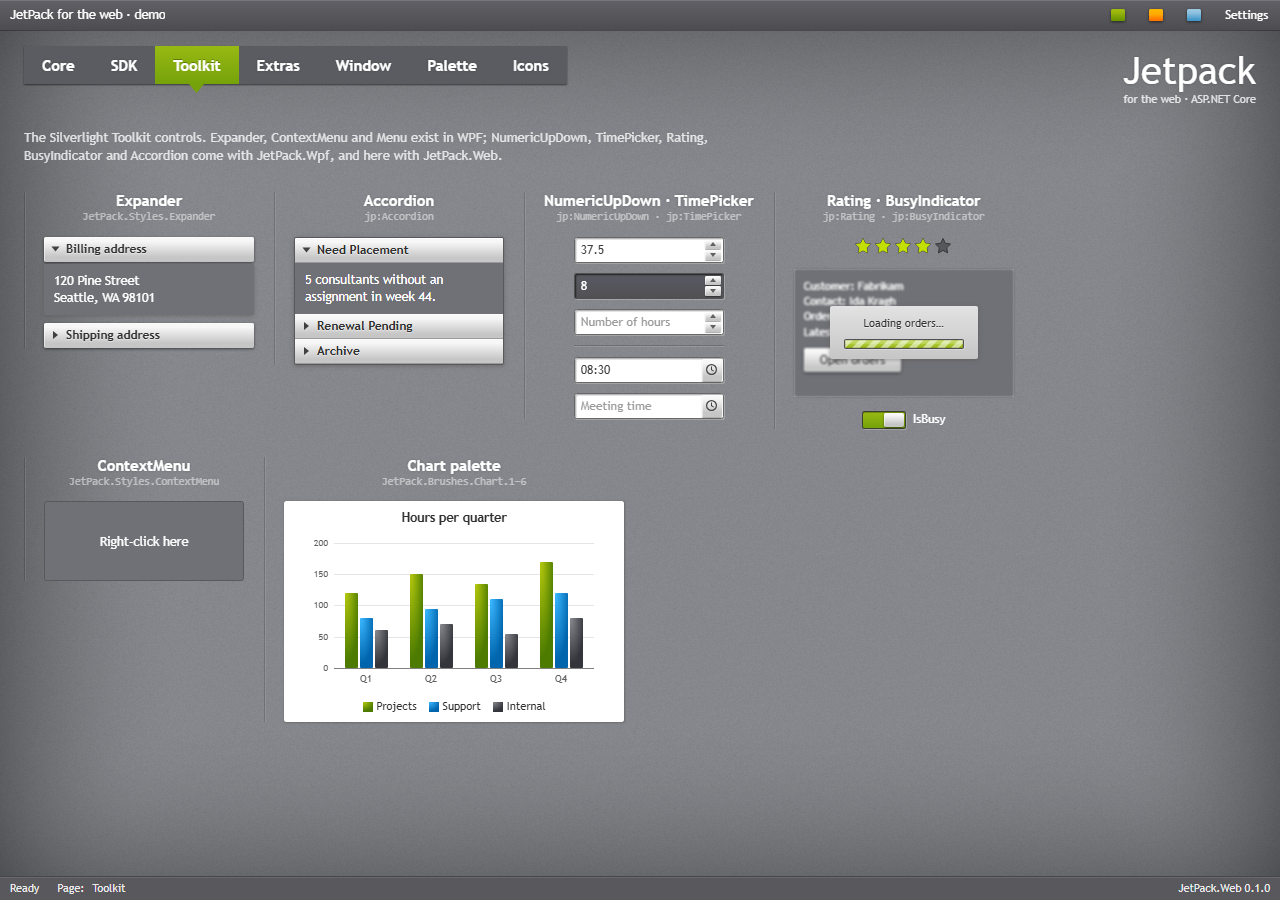
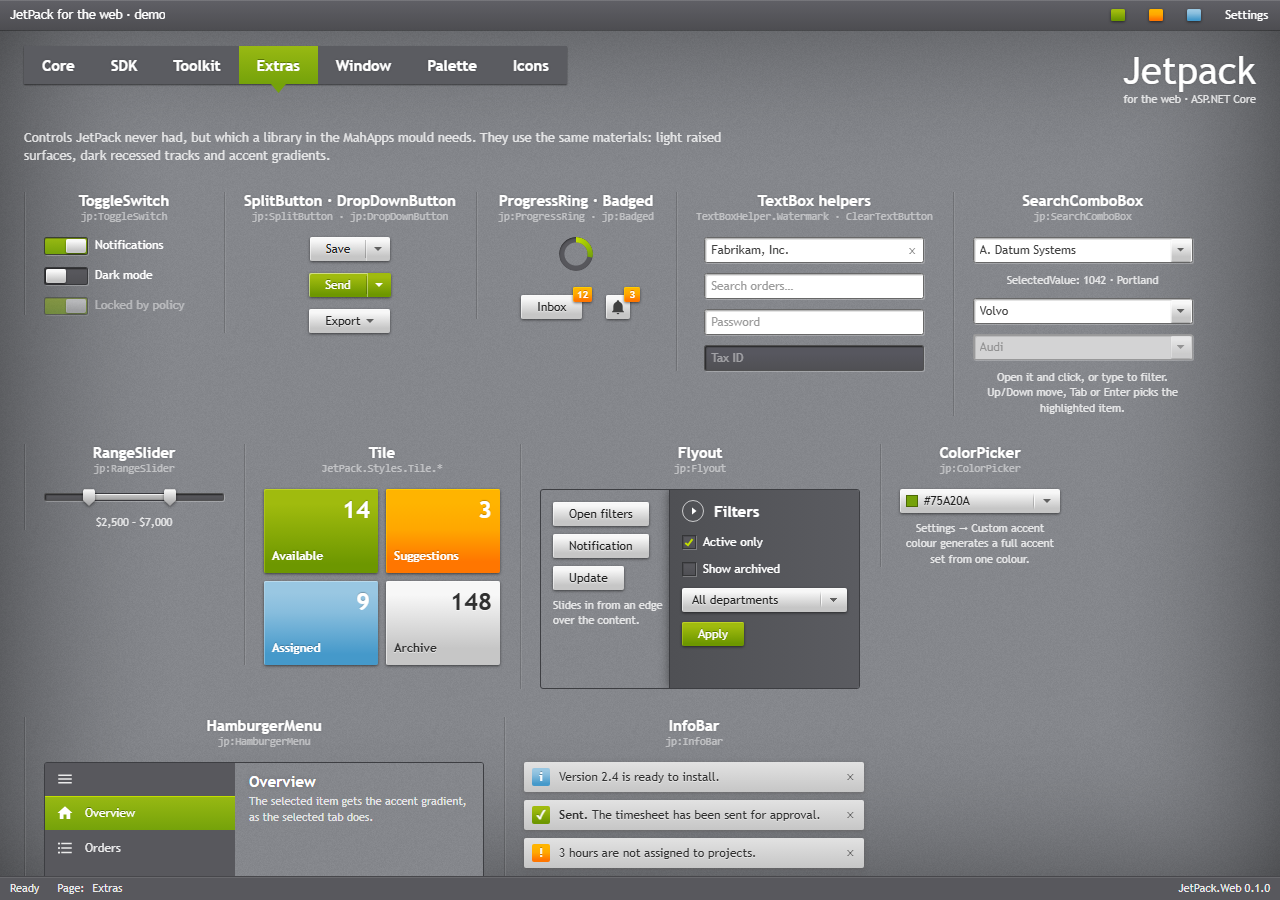
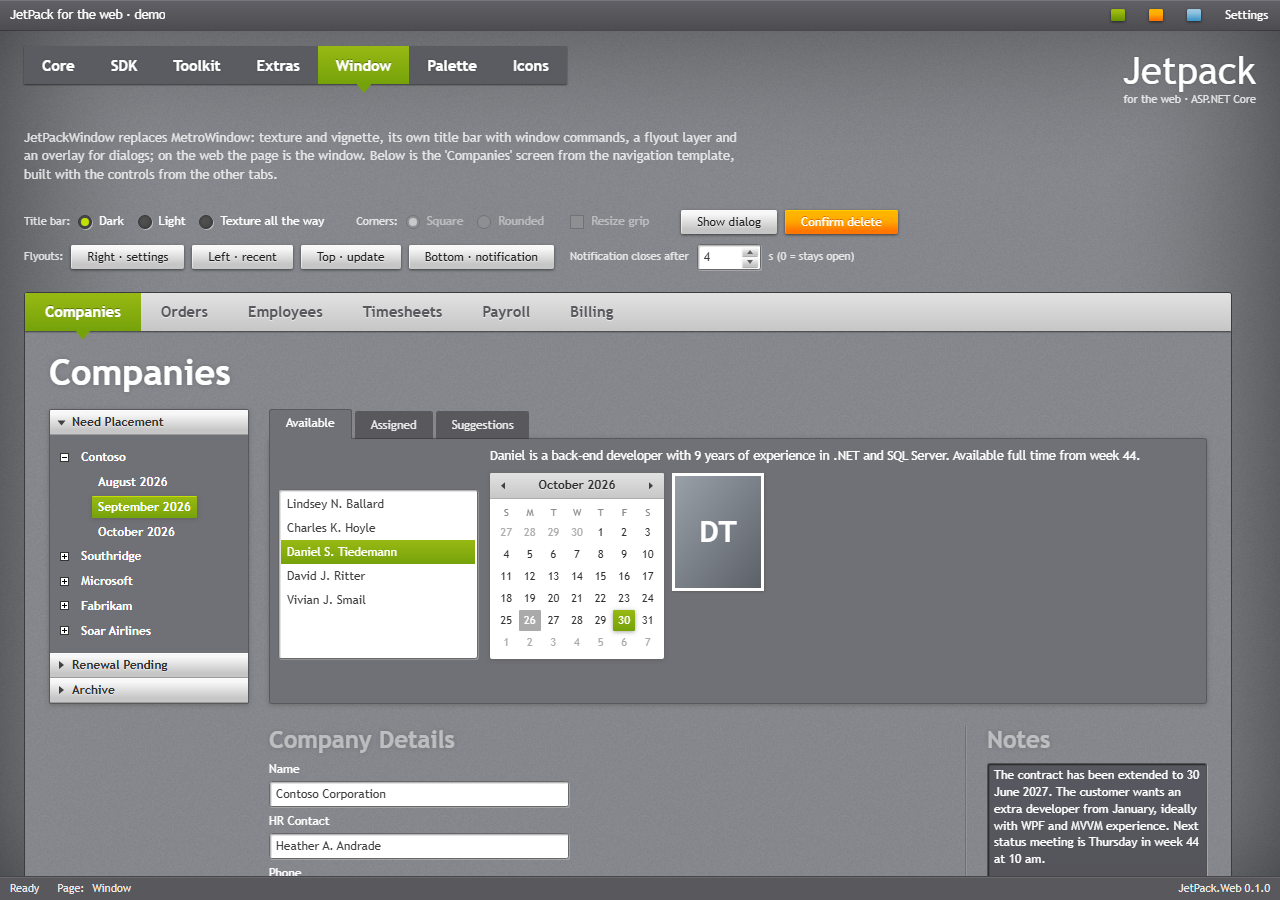
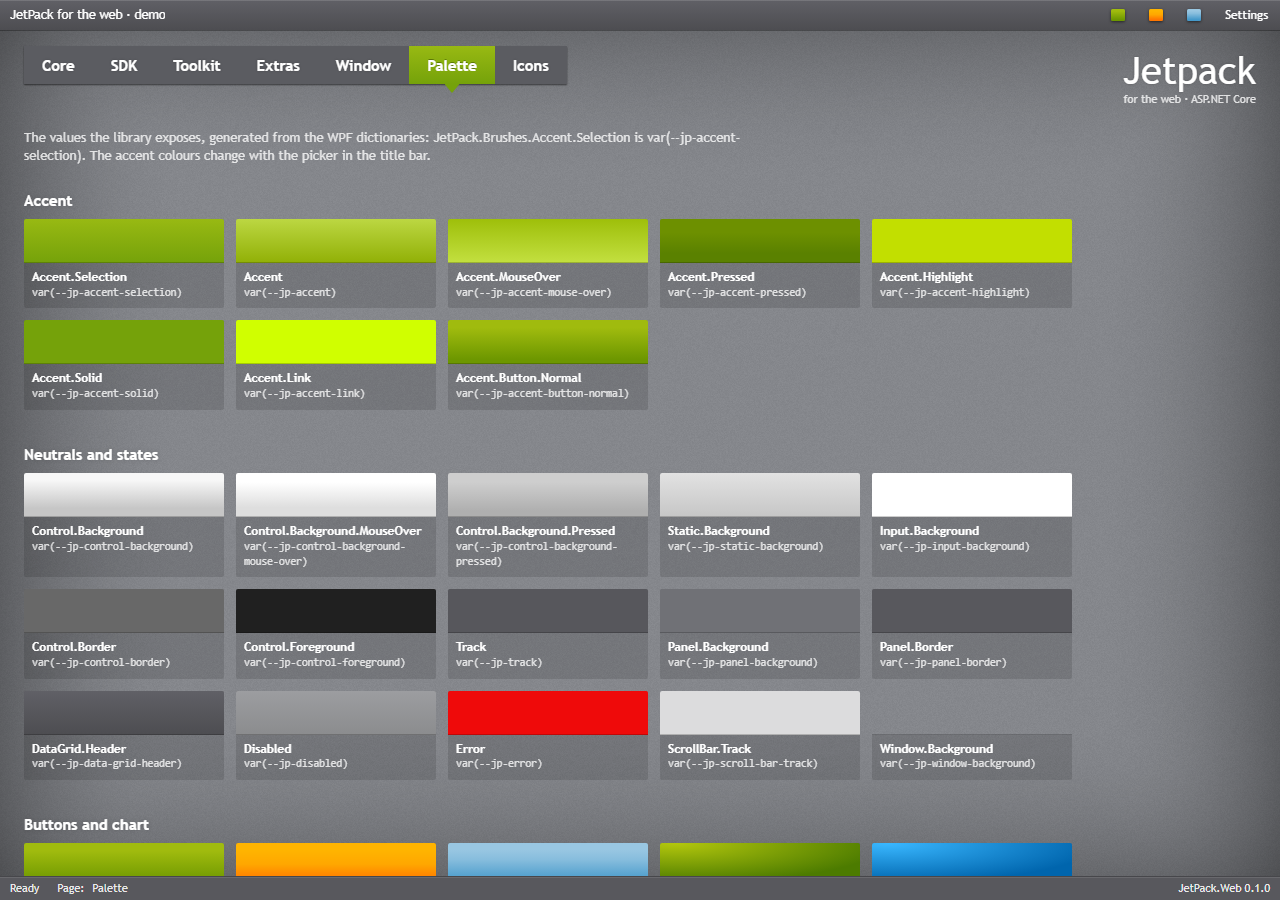
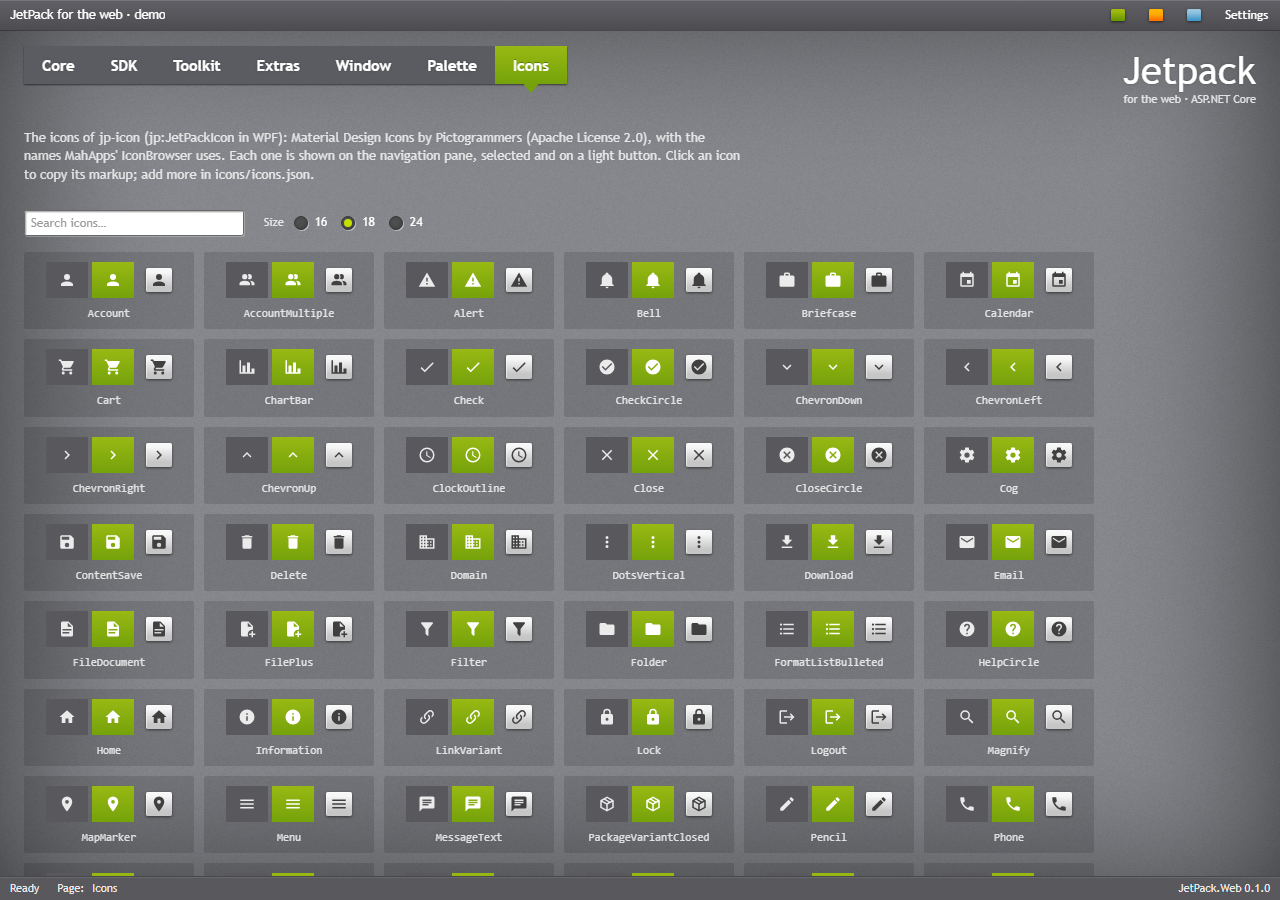
What the browser cannot do the same way: the Window tab’s corner style and resize grip, and Mica in Settings, belong to the desktop window; they are shown disabled. Dates are shown as en-US (M/d/yyyy).
The gallery page
/Demo/Gallery (Views/Demo/Gallery.cshtml) shows one sample of each control, with the same names as the WPF demo’s GalleryPage.xaml; the pictures on the control pages come from it. /Demo/Gallery?shot=<name> shows one sample on a magenta page, opens what is marked data-demo-open (a drop-down, a menu, a tool tip or a validation call-out), and puts the texture behind it and its popups. tools/web_snapshots.py takes that page with headless Edge and cuts the picture out by colour, giving docs/screenshots/web/controls/<name>.png.
MVC sample site
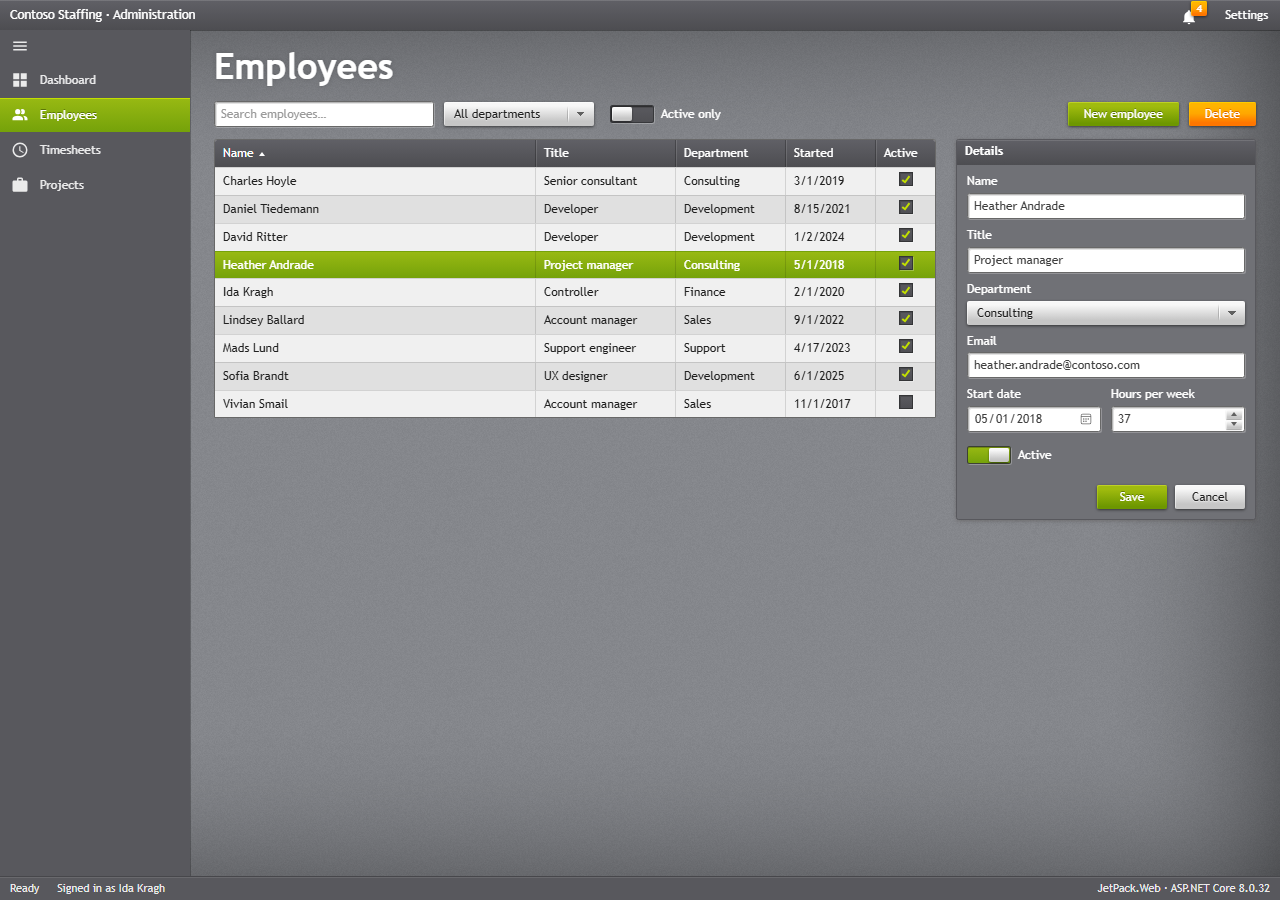
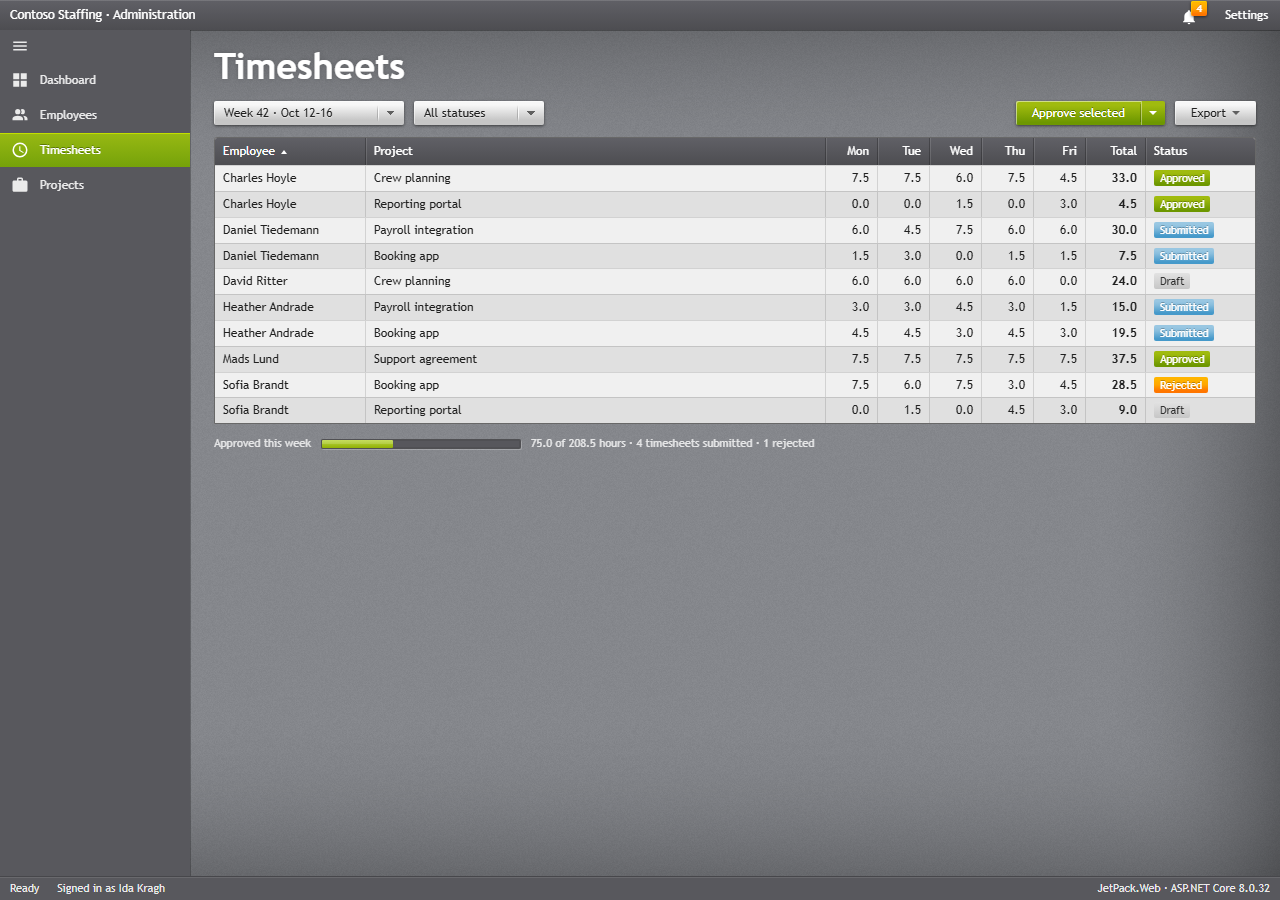
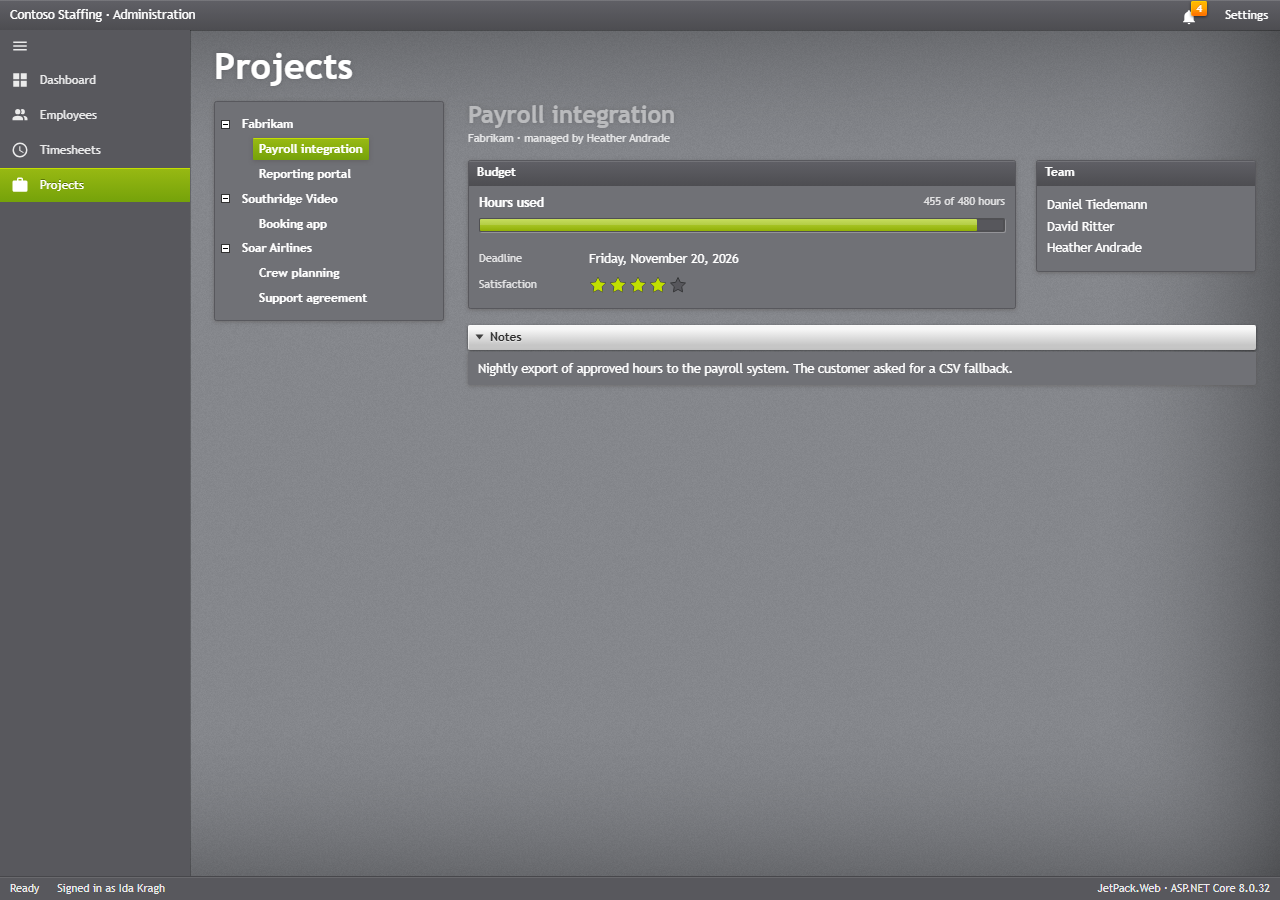
samples/JetPack.Web.Samples.Mvc is the WPF administration app as an ASP.NET Core MVC site, with the same pages and the same SampleData.cs. It shows a site layout with the window frame, a HamburgerMenu of links, a badged bell in the title bar and a Settings flyout. Filters are plain GET forms, and the employee form posts back with server-side validation and .jp-validation-message call-outs; nothing is stored.
dotnet run --project samples/JetPack.Web.Samples.Mvc
| File | Contents |
|---|---|
Views/Shared/_Layout.cshtml | the window: title bar, navigation pane, status bar, Settings flyout |
Views/<Page>/Index.cshtml | one view per page |
Controllers/PageControllers.cs | one controller per page; the employees controller takes the form post |
Models/PageModels.cs | the page models |
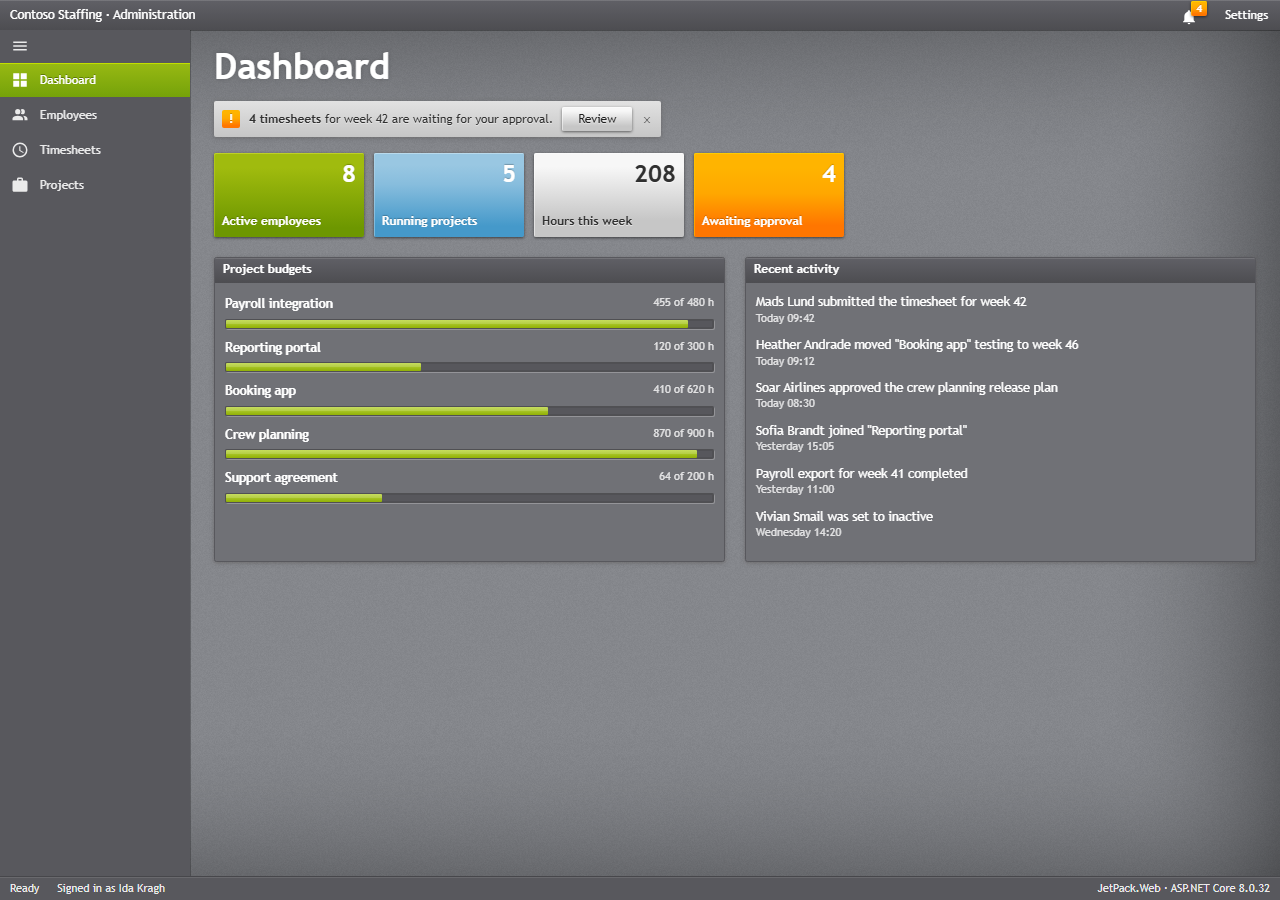
Pictures
All the pictures of the web pages come from python tools/web_snapshots.py: it builds the demo and the sample to a scratch folder, runs them, and takes 1280 × 900 pictures of the demo’s tabs and the sample’s pages, and one picture per gallery sample, with headless Edge. Endless animations stand still in the pictures (?snapshot on the demo), and a picture is only replaced when its pixels change. python tools/update_docs.py runs it together with the WPF pictures.